

Start with the jobs you do over and over, write the process down first, and keep a person checking anything that costs money or trust. That’s how to use AI in your business, whether you employ 5 people or 100.
Most talk about AI for business starts with the tools. On Friday 30 October 2026 Ranya Akacha and I spent a morning with a room of business owners, and we started with the business. Ranya is CEO of Real Business Matters and works as a fractional general manager with Dynamic GM. Ranya opened by saying she sees a new AI app come out nearly every day and gets overwhelmed working out which one to use.

In the National AI Centre’s tracker, a monthly survey of at least 400 owners and decision-makers at businesses with up to 500 staff, 43% reported some level of AI adoption from December 2025 to February 2026, counting businesses still planning to use it, and 19% said they “simply don’t know how to use AI in their business”.
Why can’t AI do a job a new hire couldn’t?
AI needs what a new starter needs: written instructions, good information and feedback. If the room took one thing away, I said, it should be this: “if a new hire couldn’t, AI can’t”.
AI is an amplifier. It won’t magically turn something bad into something good, and “if you just give it messy data, it’s only going to amplify the mess”. Treat it as a capable junior, not a magic button. If a capable new junior got something wrong because you told them nothing, you wouldn’t sack them. You’d give them better instructions and some feedback.
AI predicts what comes next, so it can sound completely sure and still be wrong. It’s one big pattern recognition machine, and “it would rather invent something than admit it doesn’t know”.
So with my clients, I always come back to one question on any task: what’s the cost of getting it wrong? A cheap mistake gets a glance. An expensive one gets a proper read before it goes anywhere.
Where do you start with AI for small business?
Start with your most boring process. To find it, ask where you’re the bottleneck, where the same mistakes keep happening and which tasks repeat the same way every time. Those are Ranya’s three starting points, and one of the first things she asks clients is “where are you the bottleneck of your business?”
Her test for the bottleneck is simple: what has to wait for you to tick it off before it can go to the next step? For the mistakes, look for the process that keeps falling apart, so you or someone in the team has to go in and fix it.
Then Ranya asks three questions about each task:
- Is the process documented? Could someone else pick it up and run it?
- Is the quality defined? Does anyone else know what great looks like?
- Is there a human owner? “Someone has to own it”: spot checks, checking in with staff, being the go-to person. It doesn’t have to be the IT person.
“If any of them are not yet, then it’s a fix first,” she said. She also named three times AI isn’t the answer:
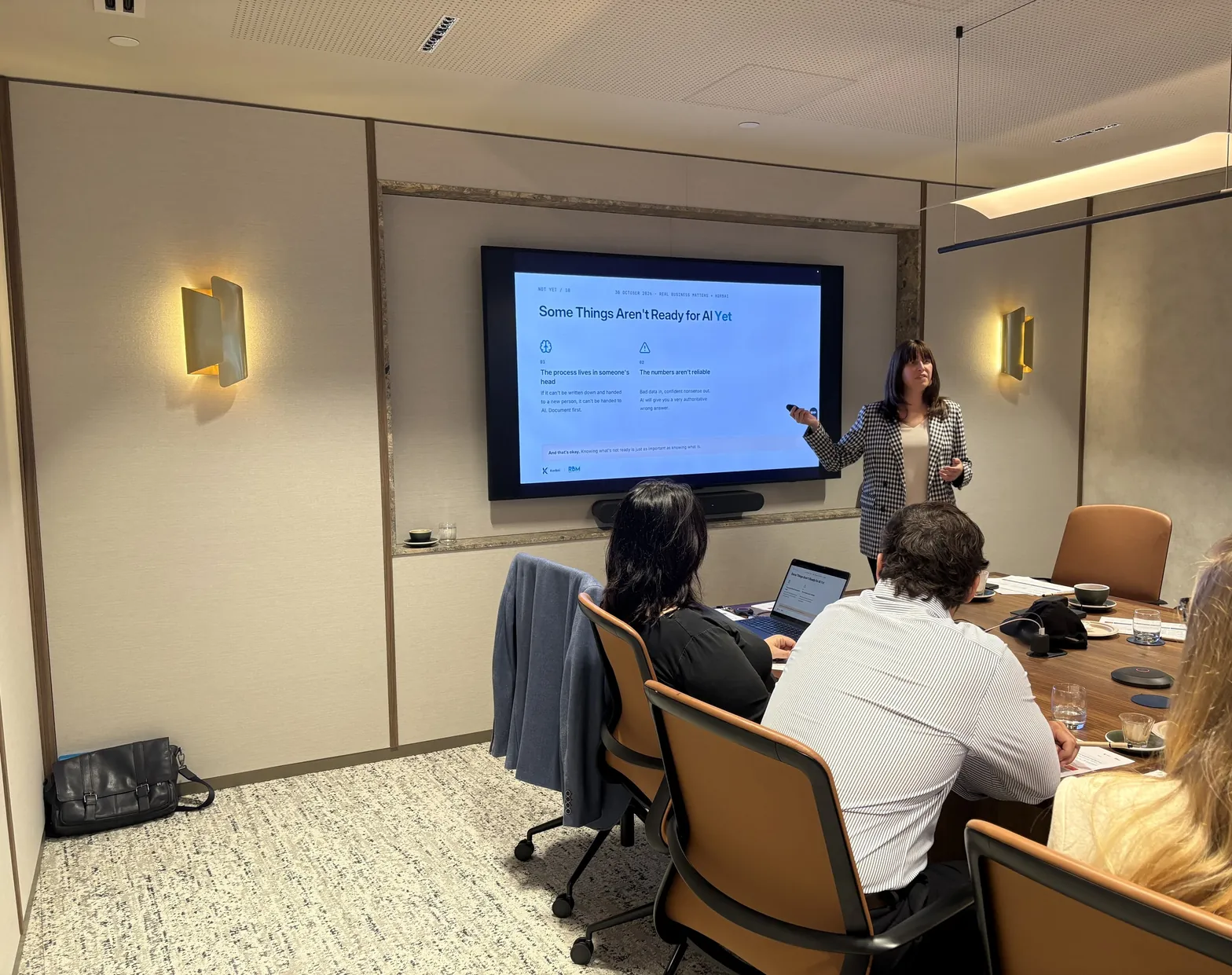
- It lives in your head. “If the process lives in your head, it’s very hard for AI to understand it.”
- The numbers aren’t reliable. “AI is not going to fix that.”
- It’s a people problem. People don’t have the skills, responsibilities or KPIs to do it properly. “Just because it’s broken doesn’t mean AI can fix it.”
Ranya’s two client stories show the difference. One client got excited, built a lot of AI tools and sent them out to his whole team. Mistakes and complaints followed, and he’s had to back up a lot. Another gave AI one narrow review job, tested it again and again on easy and complex work, and didn’t roll it out until she was comfortable. As Ranya put it, “AI works best when you’re clear first.”
Where does AI earn its place in a business?
AI earns its place on repetitive work and on drafts a person checks, and least on judgement and relationships. The cost of a mistake tells you which of those three zones a job sits in.
- Repetitive and routine. Standard replies, meeting notes and recurring reports, once the data behind them is reliable. It happens the same way each time and a mistake is cheap.
- In between. Proposals, client emails and quotes. I think the bulk of it sits here. AI drafts, a person checks, and the cost of getting it wrong sets how hard they check.
- Rare, or all judgement. The relationship, the judgement call, the hard conversation. For a real estate agent the relationships are everything: you may “nurture a relationship for years that may not bear fruit”.
There’s an edge case, though. AI can also help people who struggle with communication, including people with a disability, so I wouldn’t say never use it on a relationship. It depends on the person.
Which jobs does AI do well?
I think AI does ten jobs really well, from quotes and customer emails to onboarding and pitch prep, though some will be greyer in your business than others.
- Quotes and proposals. Job notes or a voice memo become a priced draft in your format. You check the numbers and send it.
- Customer emails. Replies and follow-ups drafted to sound like you, including the awkward ones, such as a late payer or a price rise. Read those closely, because the fee conversation itself stays human.
- Meeting and site notes. A rambling voice memo or a whiteboard photo becomes clean notes and a list of actions.
- FAQs and repeat answers. Write up the questions customers always ask, then point AI at that page to draft the replies.
- Customer sentiment. Reviews and surveys read in minutes, for a directional opinion. Take out names and anything else that identifies someone, because removing names alone may not be enough.
- Repurposing content. Your video or long post reshaped into an article or short scripts. I believe content should start with a human.
- Onboarding new staff. The manual you already have becomes a checklist, a short quiz and a first-week plan.
- Prep before a pitch. A prospect’s public information pulled into a one-page brief, so your time with them goes on what isn’t public.
- Long documents and quick answers. Tenders, reports and policies summarised, but only documents you’re allowed to share.
- A sounding board. Pressure-test a plan, a price change or a tricky email. It argues back, and you decide.
AI can do all ten. Whether it should, in your business, is what the two questions further down decide.
How do you hand a job over properly?
Write the process down, turn it into reusable instructions, test it, and leave the final check with a person. In the demo I used Sam, a bookkeeper I made up, whose prices lived in her head. Her written-down version came to three things: a price list, a proposal template and one past proposal to copy. I put those into a skill, which Anthropic describes as a folder of instructions and resources that Claude loads for a specific task. It seems complicated, but “your SOP is basically a text file”.
Same voice memo, same prompt, same model, run twice. I told the room the comparison was a bit exaggerated to make the point. Without the skill, Claude wrote a long, generic proposal full of its own assumptions, ready to copy into Word. With it, Claude checked the details with Sam first, then made a formatted PDF and a draft email. I tested it about 15 times and got the same outcome every time, but that’s my testing on a made-up business, so Sam still reads the proposal and sends it herself.
When you link AI to your other software with a connector, you choose what it’s allowed to do, and “don’t opt everything in”.
What does AI cost?
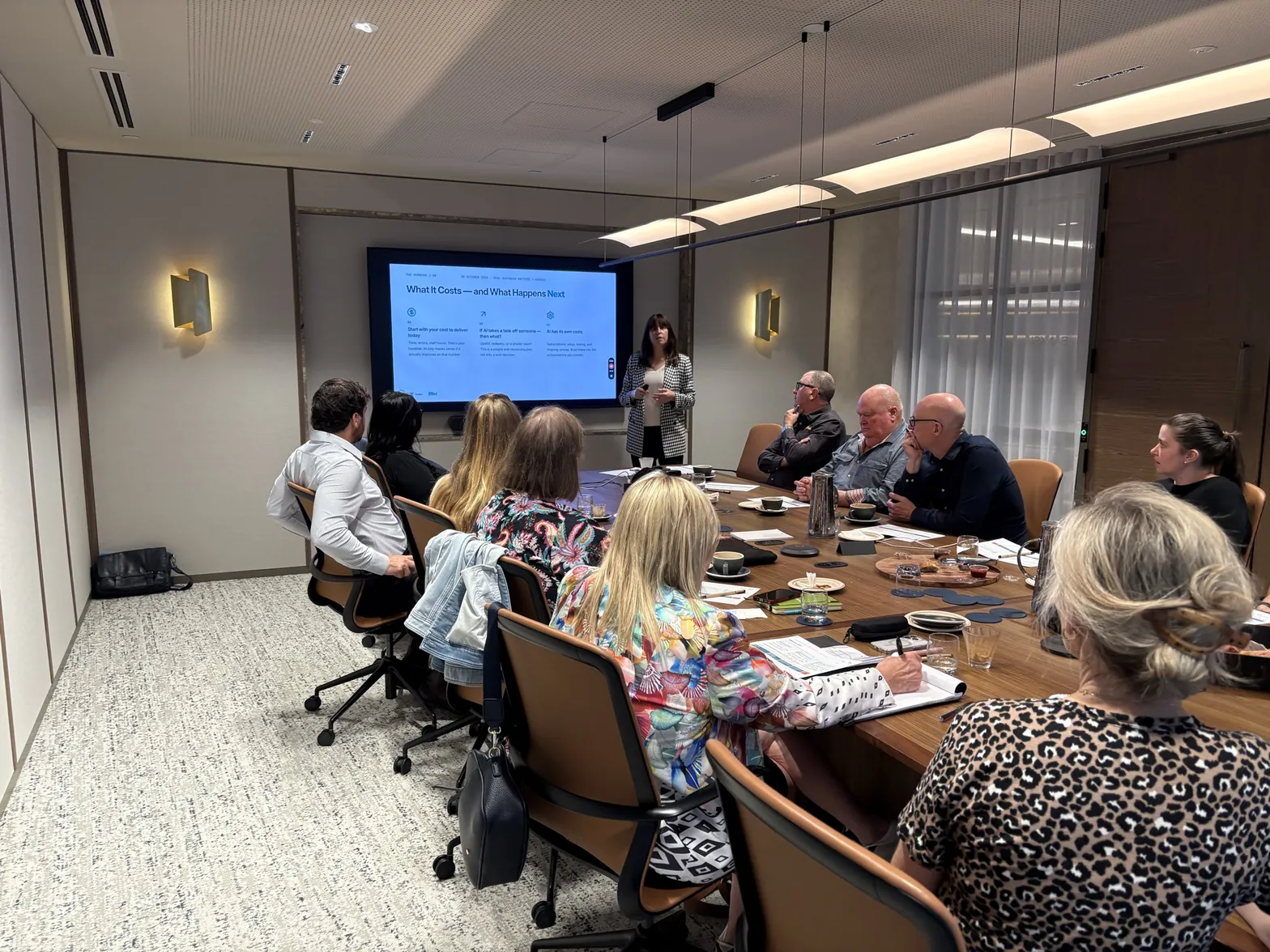
AI costs more than the subscription: count what the job costs you today, what happens to the person doing it, and the subscriptions, setup, testing and upkeep. Ranya asks owners to work out all three before they commit:
- Today’s cost to deliver. Time one whole job end to end, including errors and staff hours. That’s your baseline, and how to work out which workflows are worth automating goes further.
- What happens to the person. If AI takes the work, do you upskill, redeploy or run a smaller team? Talk about it before you start.
- AI’s own cost. “AI is not free.” Subscriptions, setup, testing and upkeep all count.
Nobody can see the future, but my view is that AI will never be as cheap as it is now.
What should you do about client data before you start?
Check which plan you’re on, change two settings if it’s a personal one, and write down what never goes in. Business plans from Anthropic and OpenAI don’t train on your data by default, but what you type still goes to their servers, and the plan doesn’t change what you’ve promised clients. On personal plans, what you type may be used to improve the model, and if you pay for a single seat, chances are that’s what you’re on. In ChatGPT, go to Settings, then Data controls, and turn off “Improve the model for everyone”. In Claude, go to Settings, then Privacy, and turn off “Help improve our AI models”. That doesn’t undo training already done, and a thumbs up or down can still send that whole conversation for training.
Then write down three things that never go in: client identifying details, sensitive financials and confidential material such as NDAs and client contracts. That’s firm on free and personal plans. On a business plan, the first two become a decision to make deliberately, with your privacy duties in front of you. Anything under an NDA or client contract stays out unless that document lets it in. My personal opinion is that “people are probably too willing to give information to AI right now”. Is it safe to put client information into AI tools? has the detail, and our AI use policy gives you a page to write the rules on.
When should you take work back from AI?
Take it back when AI is making the outcome worse. As an AI consultant I know this might sound funny, but “there’s also a use case for pausing and taking even some of what you’re doing with AI back”. Better outcomes are the point.
It’s nice to remove friction, but “you want to reintroduce the friction for certain things that matter”. That’s why Sam attaches the PDF herself, so she physically sees whatever goes out. So if AI isn’t working on a job, mark it and take it back.
How do you sort your jobs this week?
Ask two questions of each job: could a new hire do it from your written instructions, and would a check catch a mistake in time? Ranya’s three questions are the detail behind those two: documented and quality defined for the first, a human owner for the second. Then sort your jobs into three columns and circle one from Hand to AI or Fix first.
- Could a new hire do it from your written instructions? No: it goes in Fix first. Yes: ask the next question.
- If AI gets it wrong, would a check catch it in time? Yes: Hand to AI, and match the check to the cost. No, or it’s a judgement call: Keep human.
Put the answers on one page, in three columns:
- Hand to AI: a check catches mistakes. Meeting notes, common client questions, first drafts of proposals.
- Fix first: no written process yet. Onboarding a new client, reports from messy data, staff handovers.
- Keep human: judgement and relationships. The fee conversation, pricing the tricky job, hiring decisions.
One limit on the test: a check doesn’t settle your legal duties. From 10 December 2026, if the Privacy Act covers your business, a sign-off doesn’t by itself keep a significant decision about a person outside its automated-decisions rule. Anything that scores job applicants, tenants or clients needs a closer look first.
The plan we used on the day is a free worksheet: get the one-page AI plan.
Then use AI on the job you circled every time it comes up this week. If it landed in Fix first, spend this week writing the process down instead. To see how many hours a job could give back, try the time savings calculator. If most of your jobs landed in Fix first, the AI readiness score shows what’s holding you back. If your problem is everyone doing it differently, start with getting a team using AI consistently. If you’d like help choosing the job, tell me how your team works on a discovery call, and I’ll follow up afterwards with what I’d hand over first.
FAQ
Does it matter which AI tool you use?
Less than you’d think. I don’t think a consistent result comes down to Claude rather than ChatGPT. It’s down to the way you set it up. I used Claude in the demo, but it’s very similar to ChatGPT and Microsoft Copilot (formerly Microsoft 365 Copilot).
What happens to the person whose work AI takes over?
Decide that before you start. Ranya’s questions were whether you upskill them into a different role, move them to something else or reduce the team. “That’s a really important thing to talk about before you think about what you want to outsource to AI.”
Do I have to write procedures before I use AI?
For any job you want done the same way each time, yes. AI can help you build them, but there’s “an inherent bias of giving it to AI before you put your thinking in”. Then test the procedure on a person: if a new hire can’t follow it, it isn’t ready.
If I pay for a plan and turn training off, can sensitive client data go in?
Not on that alone. For sensitive data, such as health or financial details, you really need an enterprise-level setup. Turning training off stops new chats being used to train the model. It doesn’t change where the data goes, or what you’ve promised clients.
Should I replace my software with something I build in AI?
Think about the upkeep first. You can build something like a quoting tool in Claude and drop a subscription, but there’s a cost of maintenance: as things change, who’s going to own it? If a platform’s doing a good job, “AI is just the layer on top”, and you don’t need to reinvent the wheel.
Can AI work with software that has no API?
In a way, yes, but there are risks and inaccuracies. An API lets a platform pass data in and out, and a connector is built specifically for AI. Without either, an AI tool can be taught to work through the platform itself, the way a person would, so check what you’d be giving it access to.
General information only, not legal advice. Current as at November 2026: AI plans, settings and menu names change often. Anthropic, Claude, Microsoft, Microsoft 365, Copilot, OpenAI and ChatGPT are trademarks of their respective owners. Korbai is independent and not affiliated with or endorsed by any of them.